⚡
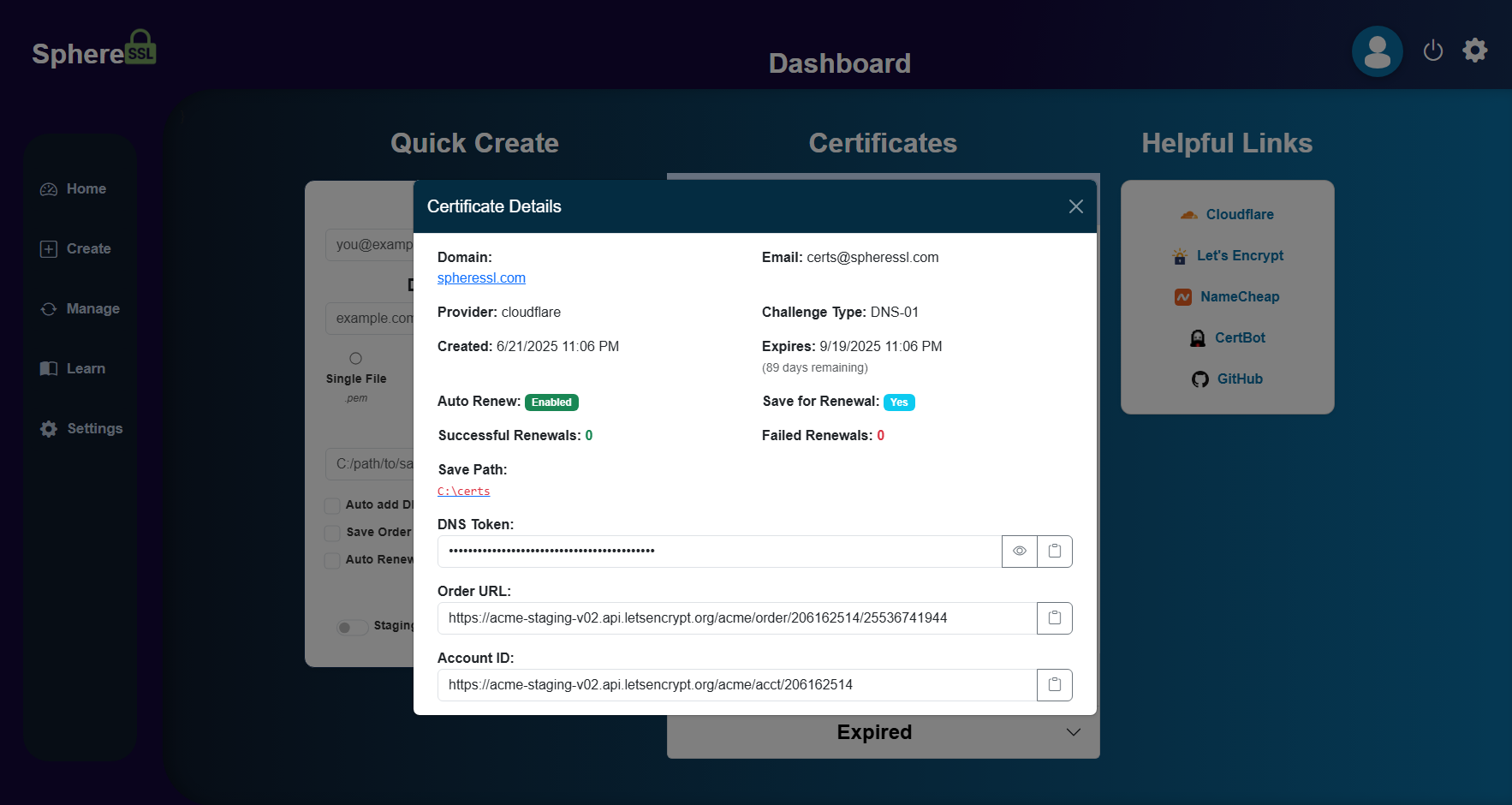
Fast, intuitive dashboard
A simple “Quick Create” flow, full certificate management, and helpful links in one clean UI.
One cert manager to rule them all, one CA to find them, one browser to bring them all, and in encryption bind them.
SphereSSL makes SSL certificate creation and renewal effortless — whether you're a hobbyist or a professional. Automated & manual DNS challenges, 16+ providers, auto-renewal, and unlimited certificates. Self-hosted and free.
From a single quick-create flow to enterprise-scale automation — no arbitrary limits.
A simple “Quick Create” flow, full certificate management, and helpful links in one clean UI.
Automated DNS record creation with Cloudflare, AWS Route53, and more — or guided manual TXT entry for any provider.
Toggle auto-renew on/off, get renewal notifications, and never let a certificate expire again.
Share certs and orders for collaborative management with role-based access.
Convert, download, or upload certificates in your preferred formats.
Live status updates via SignalR so you always know exactly what's happening.
Keys and certificates stay on your machine unless you choose to sync or back them up.
Unlimited domains, no arbitrary limits, and a growing list of provider integrations.
Cross-platform .NET 8 container runs as a non-root user on Docker, bare metal, or a VPS.
SphereSSL handles the ACME dance so you don't have to.
Tell SphereSSL what you want a certificate for.
Choose where the cert is stored and which provider hosts your DNS.
Automatically via the provider's API, or guided manual TXT record entry for any provider.
Flip auto-renew on and opt into notifications so nothing ever expires.
Grab the cert immediately or keep it managed inside SphereSSL.
A clean, focused interface that gets out of your way.
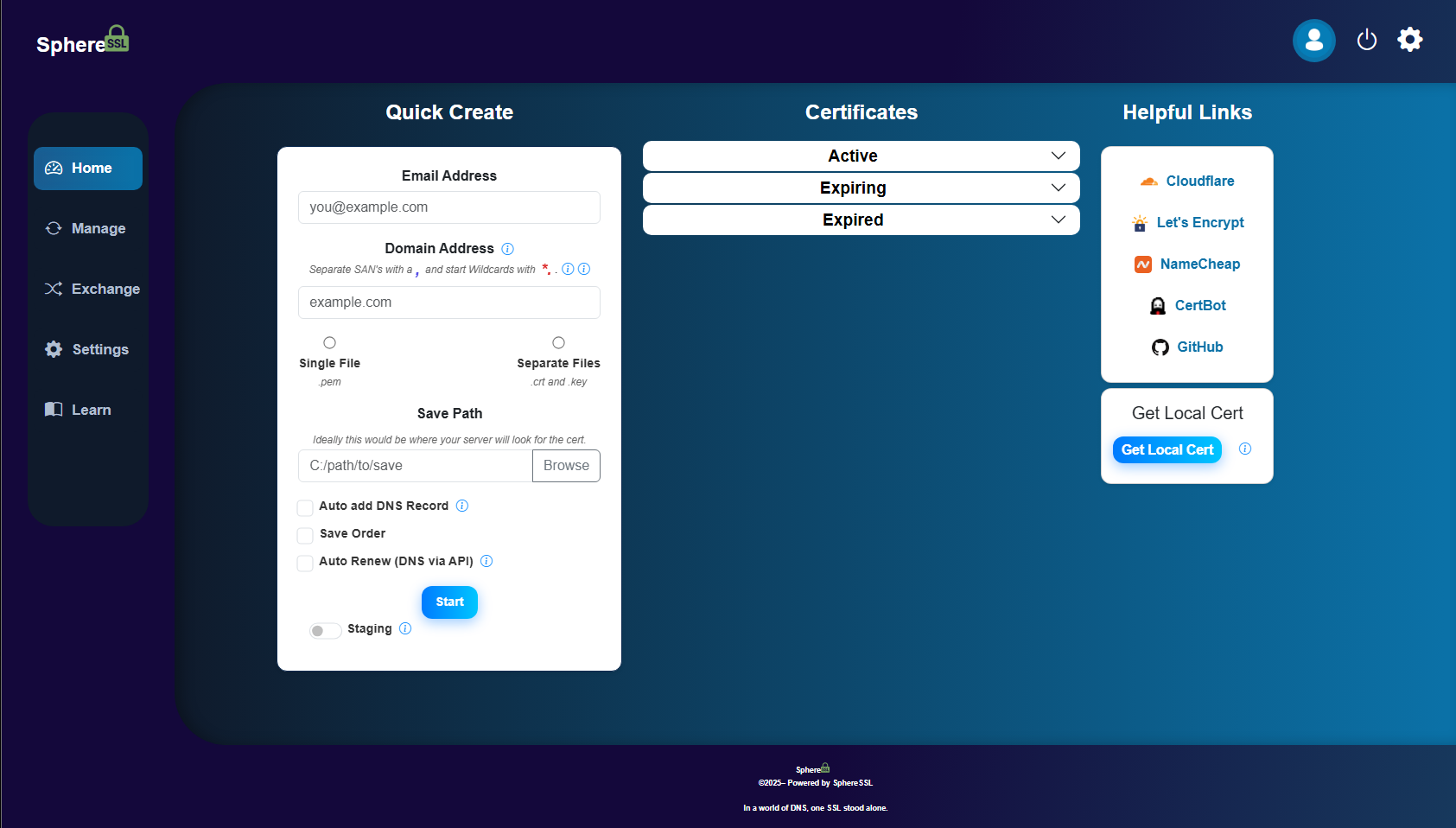
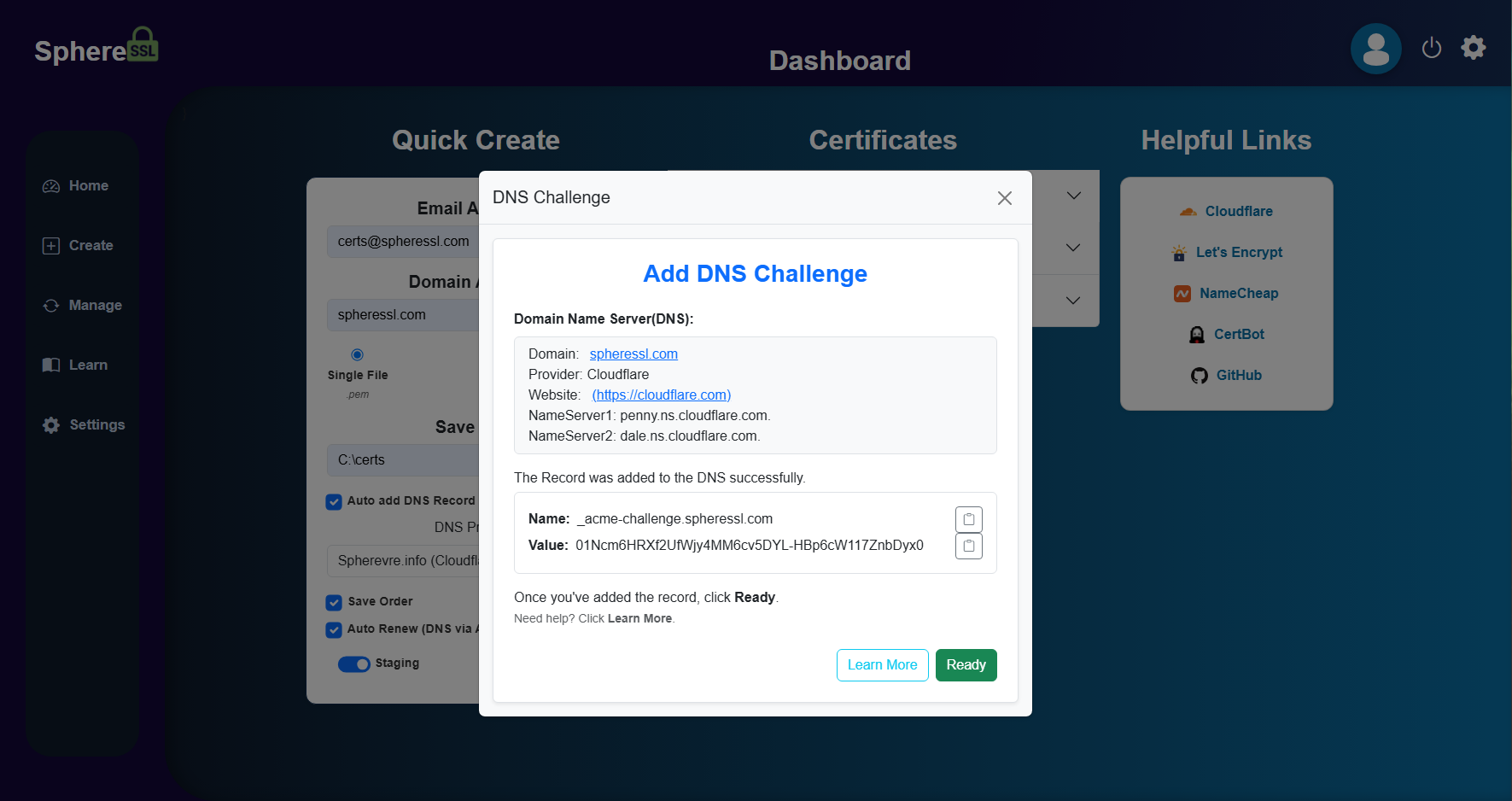
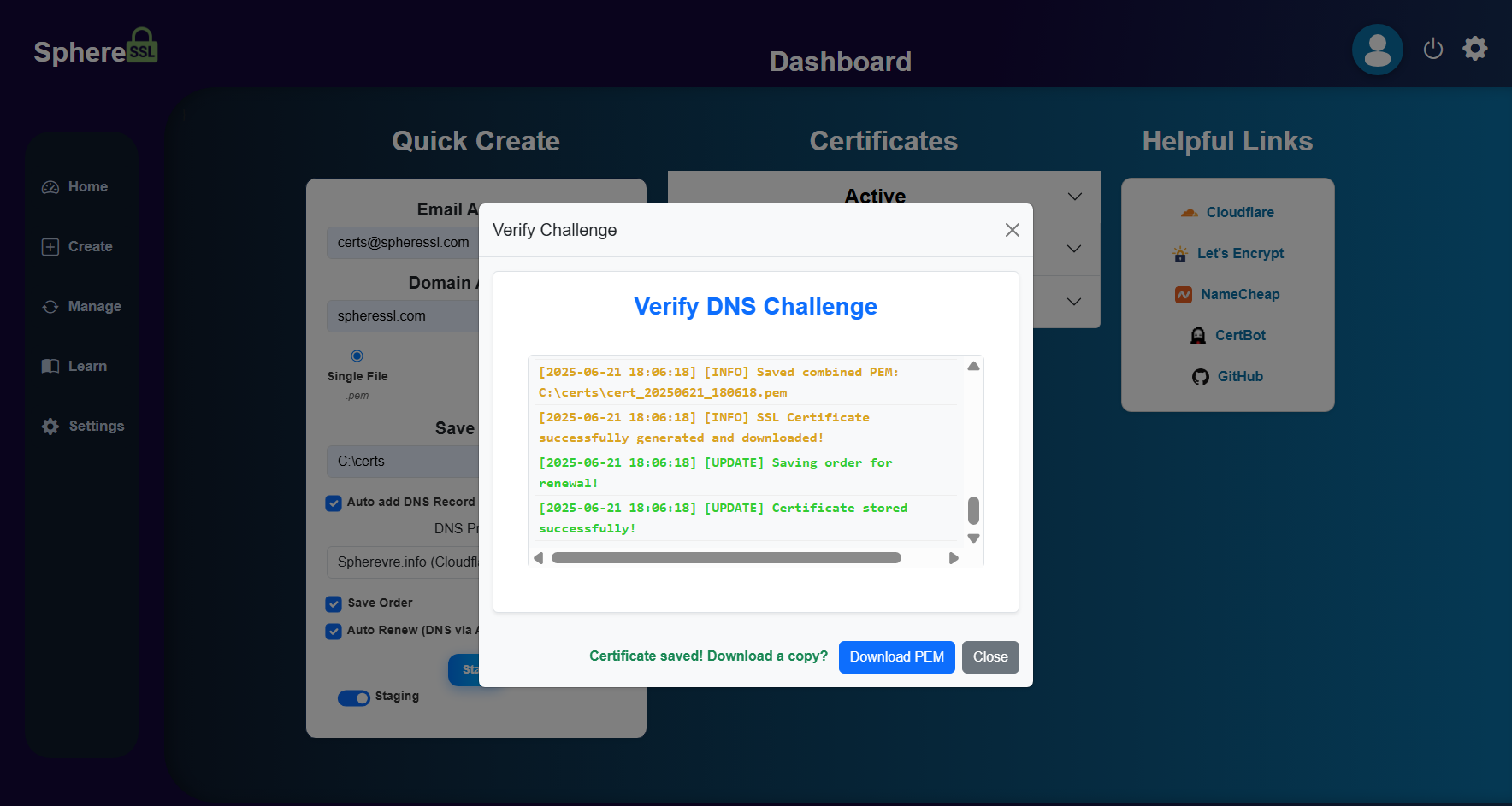
Automated integrations for 16+ providers — and manual entry works with literally any DNS host.
See the API Credential Requirements for what each provider needs.
Pull the image from Docker Hub and run it with persistent storage.
# Pull the latest image
docker pull kl3mta3/spheressl:latest

# Run with persistent storage
docker run -d \
  -p 7171:7171 \
  -v $(pwd)/data:/app/data \
  -v $(pwd)/certs:/app/certs \
  -v $(pwd)/logs:/app/logs \
  --name spheressl \
  --restart unless-stopped \
kl3mta3/spheressl:latest# From the project root
docker-compose up -d --build
# Then open the dashboard
# http://localhost:7171# Build the image
docker build -t spheressl .
# Run the container
docker run -d \
-p 7171:7171 \
-v $(pwd)/data:/app/data \
-v $(pwd)/certs:/app/certs \
-v $(pwd)/logs:/app/logs \
--name spheressl \
--restart unless-stopped \
spheresslhttp://localhost:7171 with
admin / changeme123.
/app/dataSQLite database & configuration
/app/certsGenerated certificates & keys
/app/logsRuntime & debugging logs
Full guides, FAQs, and the project roadmap live in the Wiki.
The complete manual for installing and using SphereSSL.
A plain-English primer on certificates and encryption.
Understand the records that make domain validation work.
Let SphereSSL create the challenge records for you.
Set it and forget it — keep every cert valid automatically.
Found a bug or want a provider? Open an issue or a PR.
SphereSSL is licensed under the Business Source License 1.1 (BSL-1.1). The source is open — fork it, study it, use it, and self-host it for free, including for your own company, organization, or projects.
The only thing you can't do is turn it into a paid product, paid service, or SaaS for others without permission. You get the code and the freedom to use it for anything except commercial exploitation. That's the trade-off.
Read the full licenseDeploy SphereSSL in seconds and request your first certificate today.